Retrieve email addresses in an instant
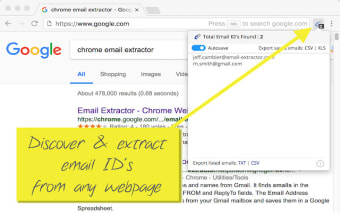
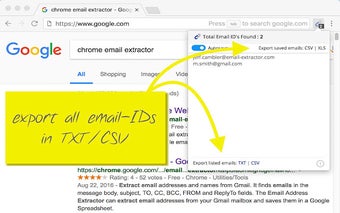
Email Extractor is a free productivity extension by Unified Address Book that extracts email addresses from web pages in seconds. It automatically retrieves valid email IDs from a web page and allows users to copy and paste specific email IDs or export all of them to a text or CSV file.
Top Recommended Alternative

Email Extractor is the perfect extension when working across large datasets, making extraction easier and more efficient. It detects all email addresses for a specific domain name and can add a five-second delay when visiting web pages to ensure all email IDs are collected, even if JavaScript is delayed.
Make collecting emails faster
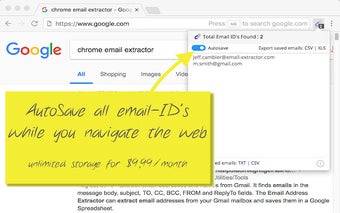
The Email Extractor extension also offers integration with AutoVisit and AutoSave, allowing users to build a queue of up to 1,000 URLs to visit and store all the email IDs found in the cloud. Automation is another feature that enables users to discover all email addresses ending with a specific domain name. It also removes duplicate email addresses collected to reduce the hassle.
The plugin also has the ability to extract email addresses from Ajax pages, cloaked emails, local HTML documents, and text files. Other features include local storage, an export option to save extracted email addresses to a text file, and offline support. Note that the plugin should not be used for spamming purposes. All in all, it's a great tool to make tasks less daunting.
However efficient these features may be, this extension has a bit of a learning curve to use. So before firing it up for an official task, be sure to do some test runs first so you can get a grasp of how it works to make your upcoming tasks a breeze. Overall, it's still a solid companion when working across large datasets.
Built for efficiency
In conclusion, the Email Extractor extension offers a variety of uses for extracting email addresses from Ajax pages, cloaked emails, local HTML documents, and text files. Other features include local storage, offline support, and an export option to save extracted email addresses to a text file. Even if there may be a small learning curve, it is still a fantastic tool for working with tons of data.